
 Home
Home
How to Add a Volunteer Workflow Set?
You can add a volunteer workflow set to automate and streamline the volunteer management process.
1. Navigate to Volunteer > Setup > Volunteer Workflow Set.
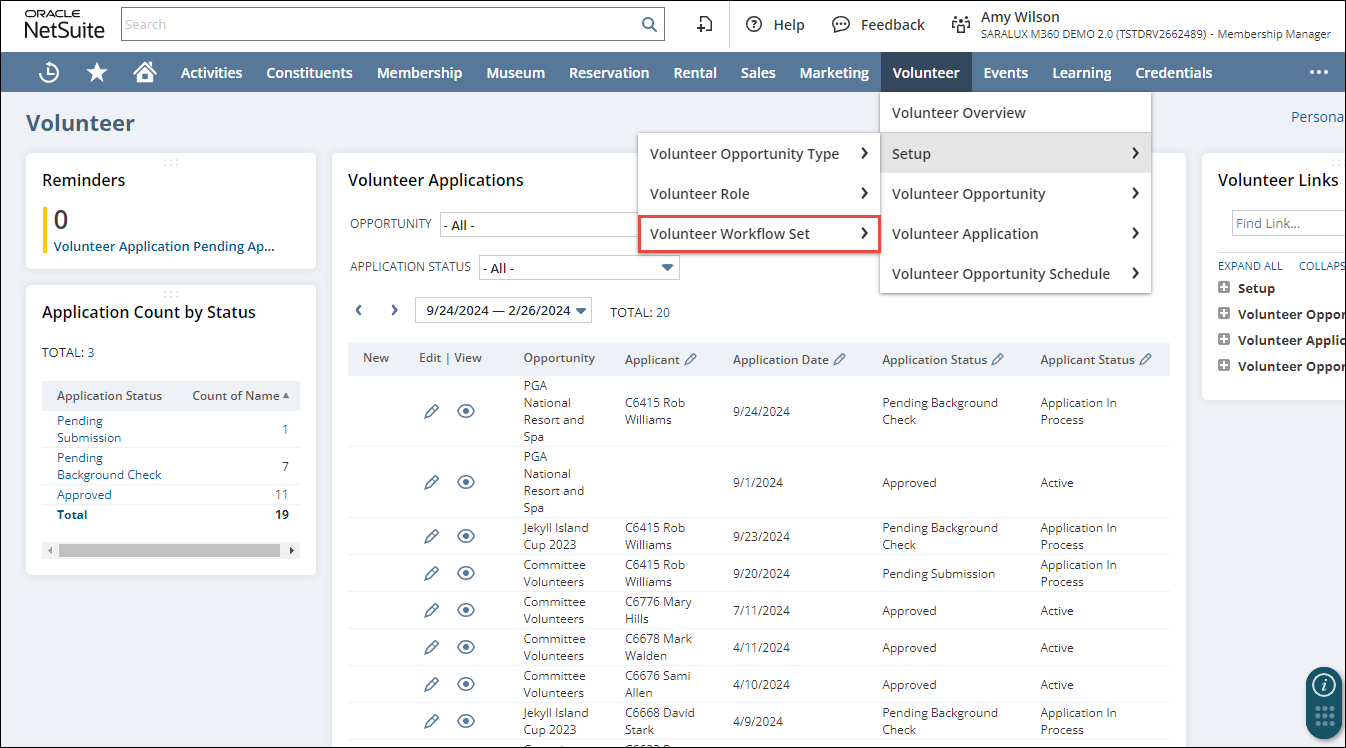
The M360 - Volunteer Workflow Set List page is displayed.
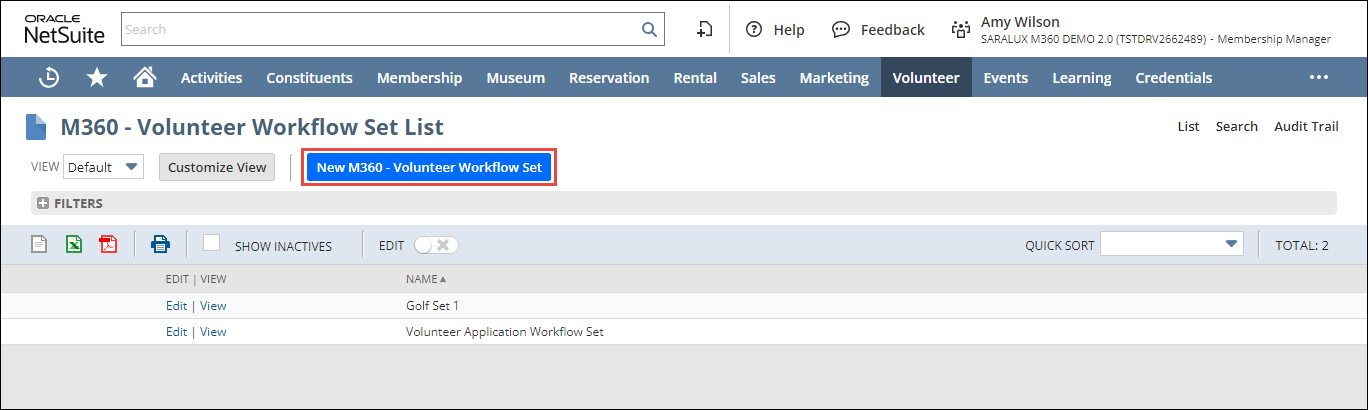
2. Click New M360 - Volunteer Workflow Set.
The M360 - Workflow Set form is displayed.
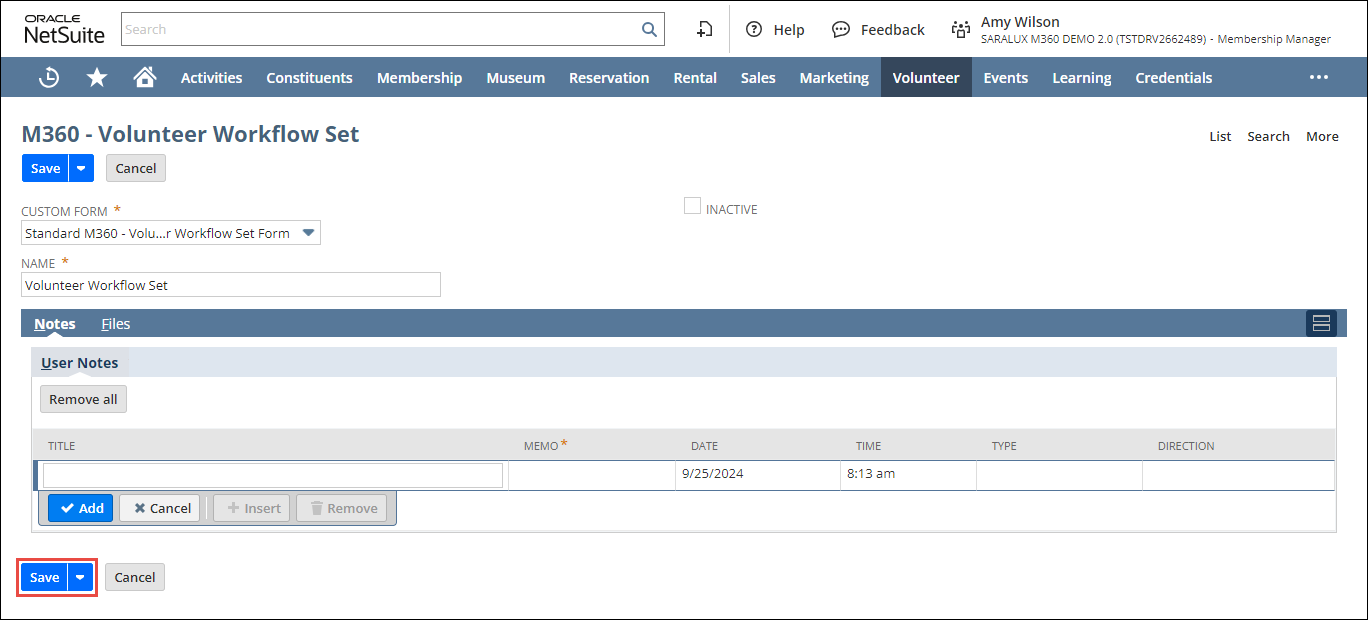
3. Enter or select the required values in the fields. Please refer to the following table for field names and their descriptions.
|
Field
|
Description
|
|
CUSTOM FORM
|
Preferred options available to customize the volunteer workflow set form
By default, the M360 - Volunteer Workflow Set Form is selected.
|
|
NAME
|
Name of the volunteer workflow set
|
|
INACTIVE
|
Whether to disable this volunteer workflow set
|
4. Click Save.
The volunteer workflow set is added.