
 Home
Home
How to Add a Volunteer Role?
You can add a volunteer role to define your expectations and responsibilities from the volunteers.
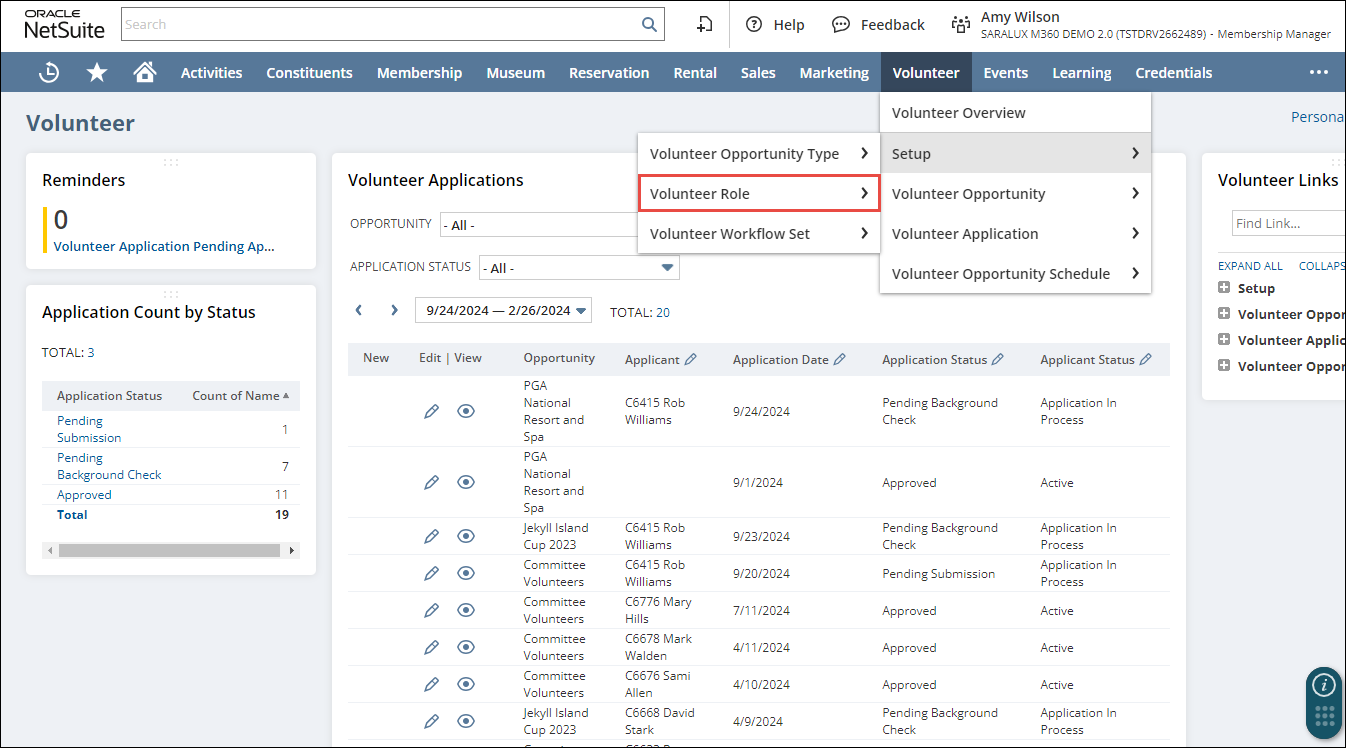
1. Navigate to Volunteer > Setup > Volunteer Role.
The M360 - Volunteer Role List page is displayed.
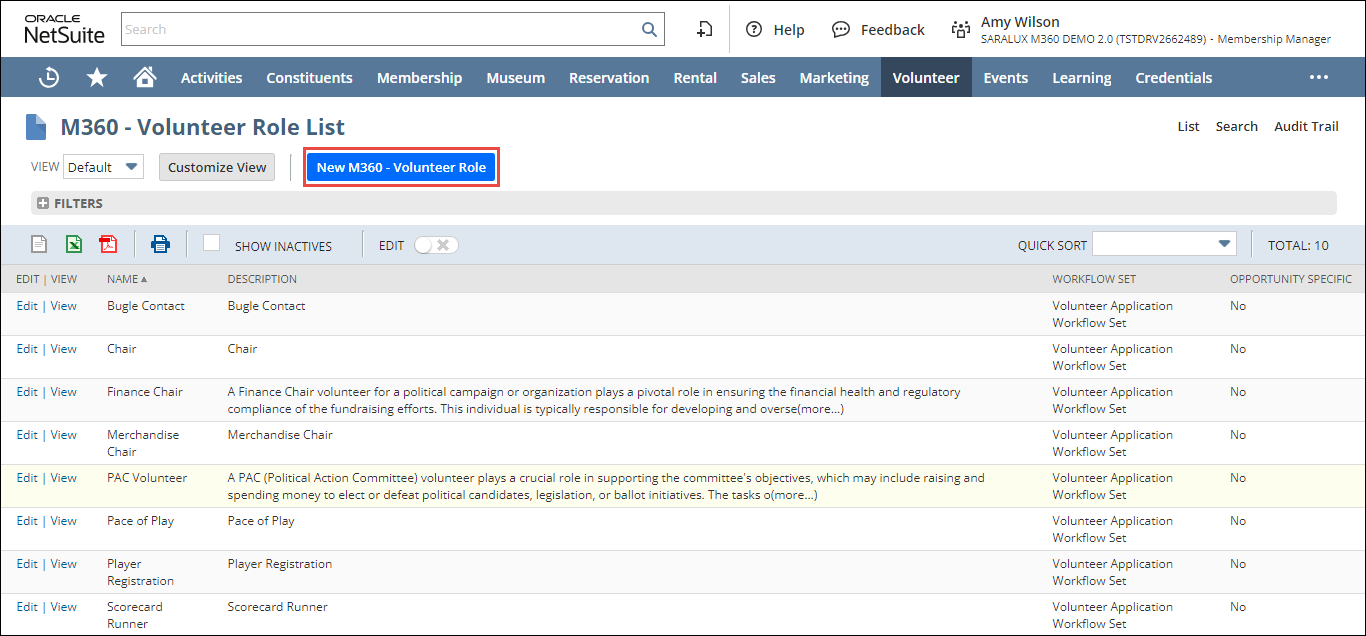
2. Click New M360 - Volunteer Role.
The M360 - Volunteer Role form is displayed.
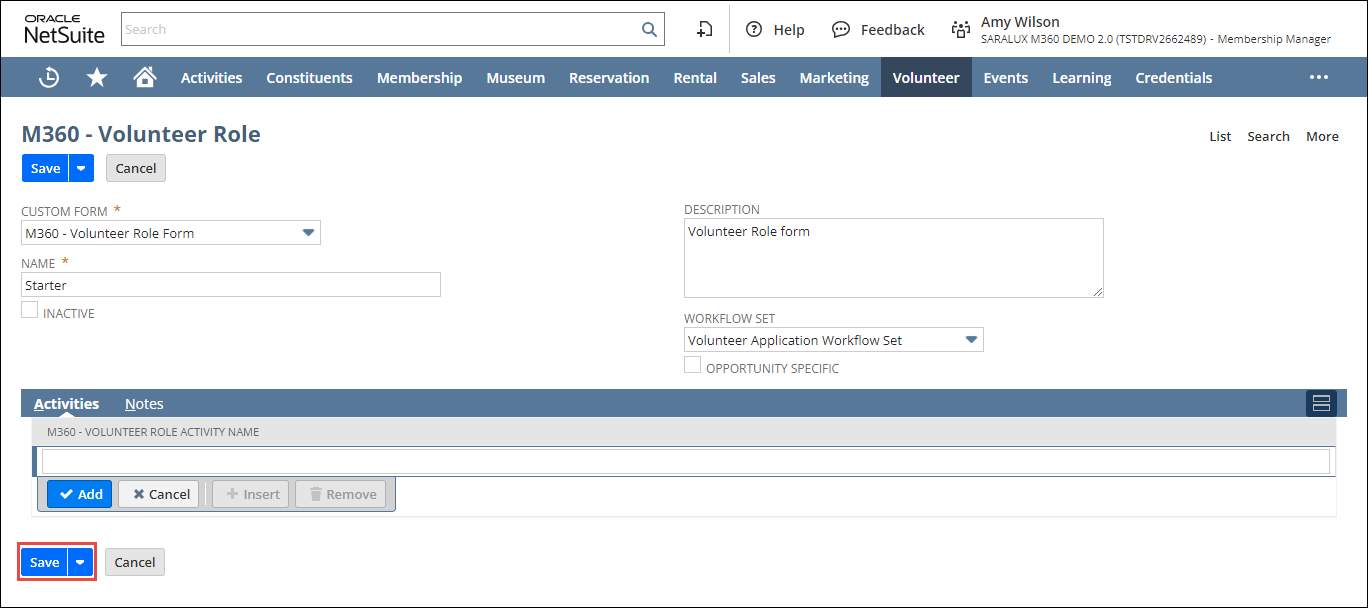
3. Enter or select the required values in the fields. Please refer to the following table for field names and their descriptions.
|
Field
|
Description
|
|
CUSTOM FORM
|
Preferred options available to customize the volunteer role form
By default, the M360 - Volunteer Role Form is selected.
|
|
NAME
|
Name of the volunteer role
|
|
INACTIVE
|
Whether to disable this volunteer role
|
|
DESCRIPTION
|
Text describing the volunteer role in more detail
|
|
WORKFLOW SET
|
Workflow set applicable for this volunteer role by default
|
|
OPPORTUNITY SPECIFIC
|
Whether this role is specific to the opportunity
|
|
Activities - Tasks assigned to this volunteer role
| |
|
M360 - VOLUNTEER ROLE ACTIVITY NAME
|
Name of the volunteer role activity
|
4. Click Save.
The volunteer role is added.