Home
Home
How to Contribute to a Sponsorship?
To contribute to a sponsorship, follow the steps below.
1. Navigate to Support Us > Sponsorship and click Ways to Sponsor.

The Sponsorship page is displayed.
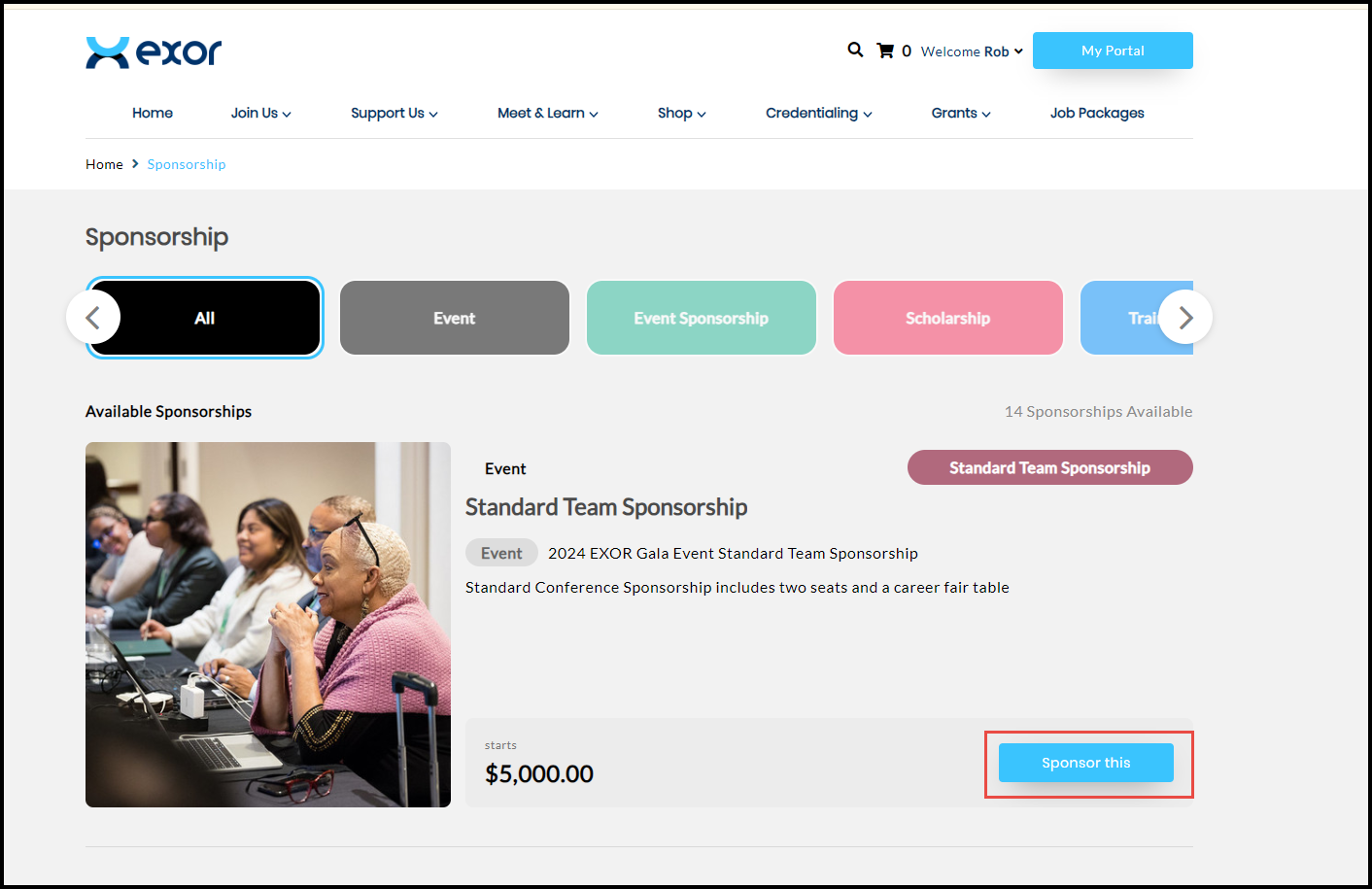
2. Click Sponsor this on the desired sponsorship card.
The selected Sponsorship Details page is displayed.

3. Click Sponsor this.
The Checkout page is displayed.
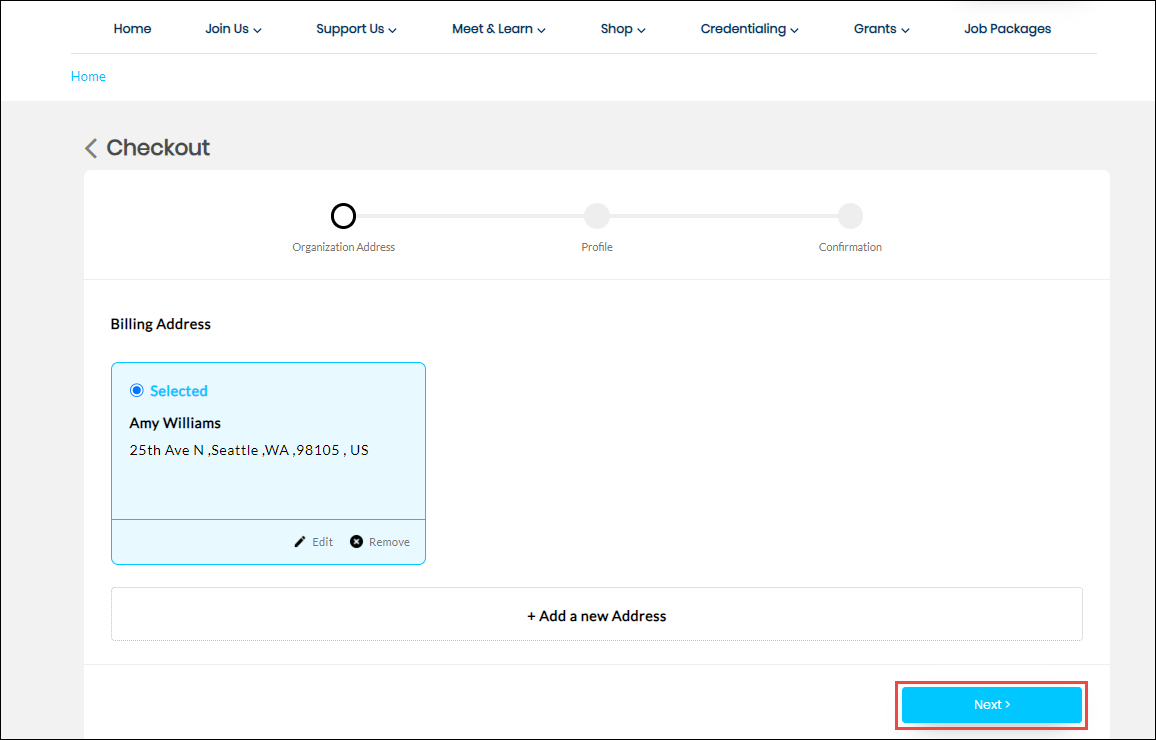
4. Select the Billing Address and click Next.
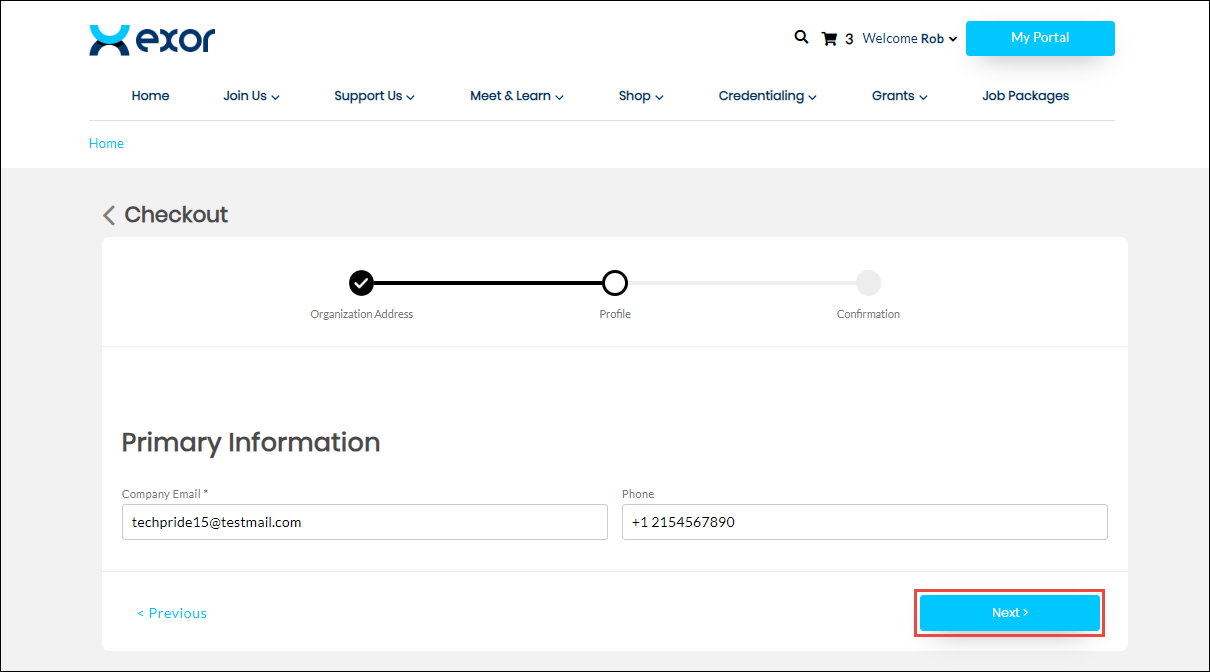
5. Enter the email address of the company in the Company Email field.
6. Enter the phone number in the Phone field.
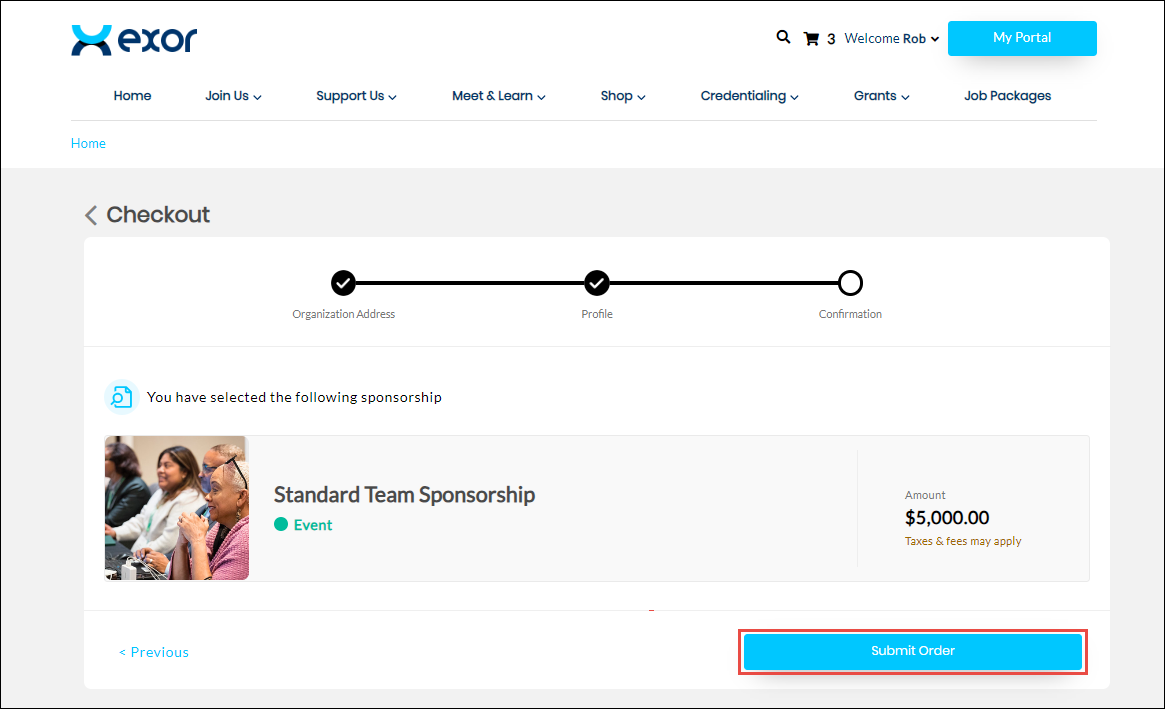
7. Click Submit Order.
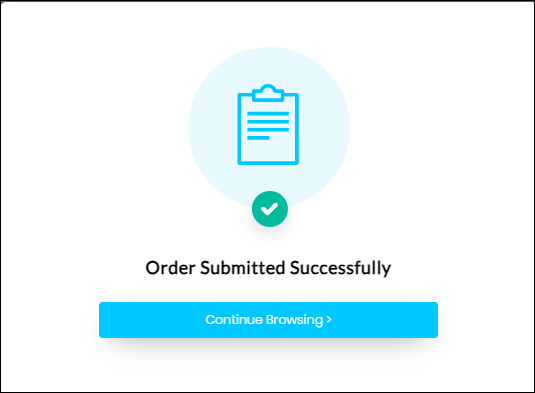
The order is successfully submitted.