
 Home
Home
How to Setup a Contribution Type?
To configure a contribution type, follow the steps below.
1. Navigate to Fundraising > Setup > Contribution Type.
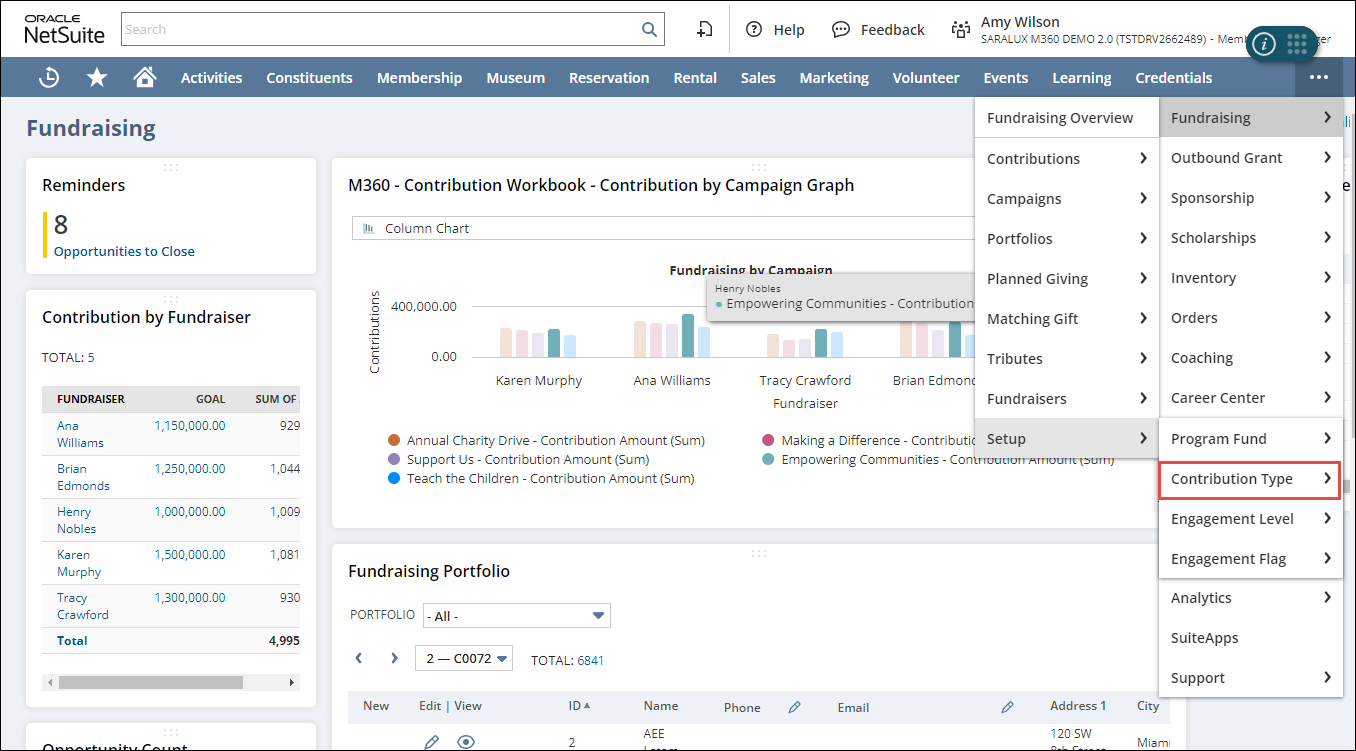
The Contribution Type List page is displayed.
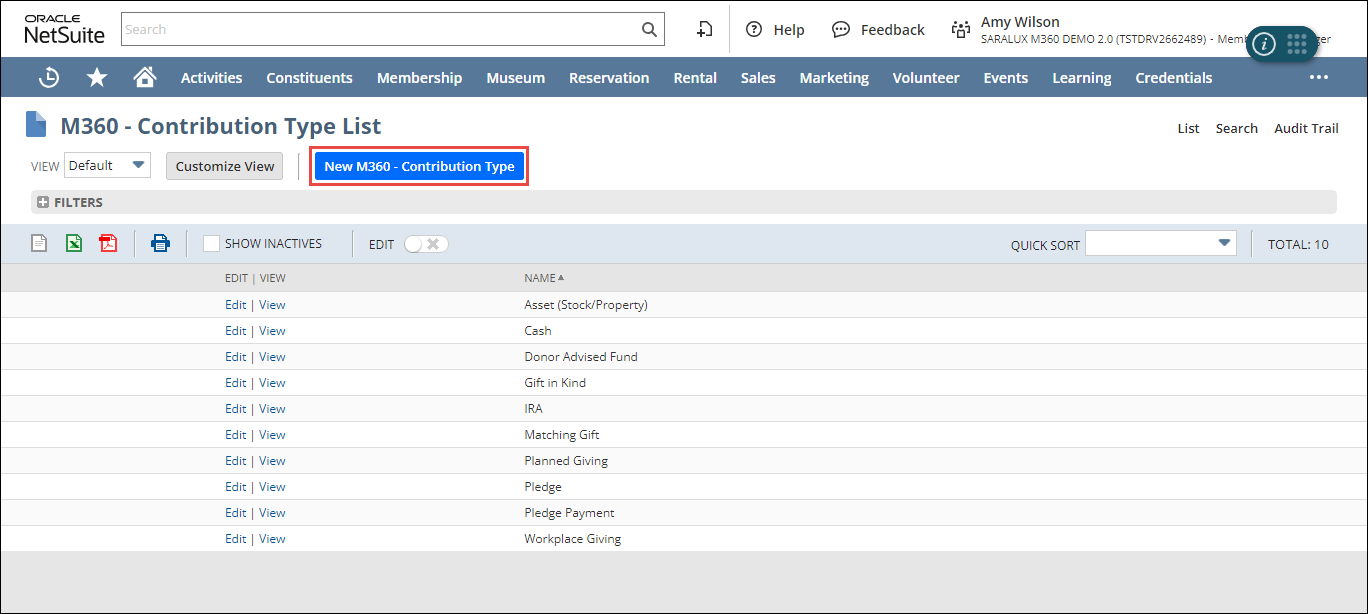
2. Click New M360 - Contribution Type.
The M360 - Contribution Type form is displayed.
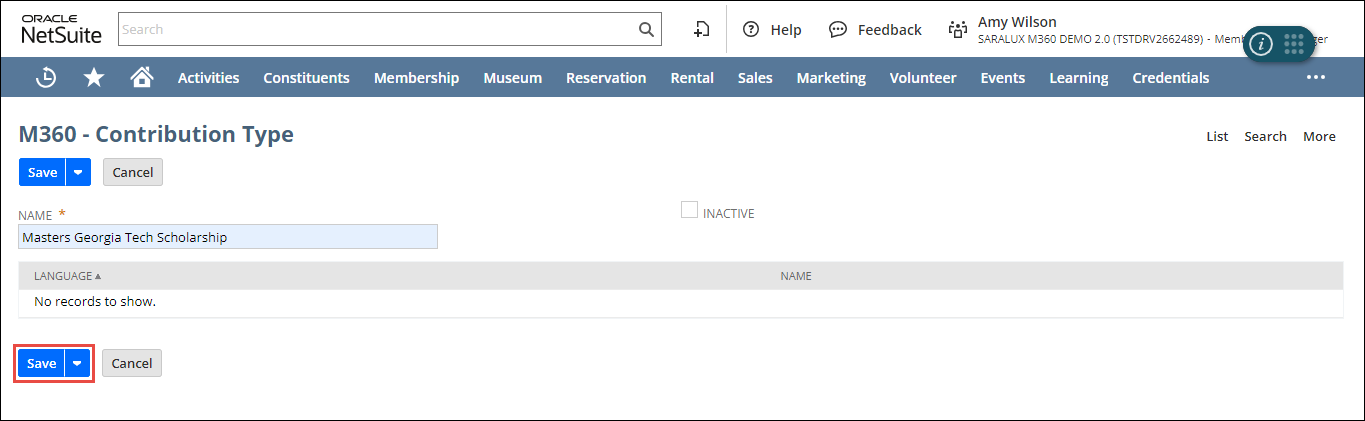
Note: All the fields with an asterisk (*) are mandatory.
3. Enter the name of the contribution type in the NAME field.
4. Check the INACTIVE checkbox to deactivate this contribution type.
5. Click Save.
The contribution type is added to the list.
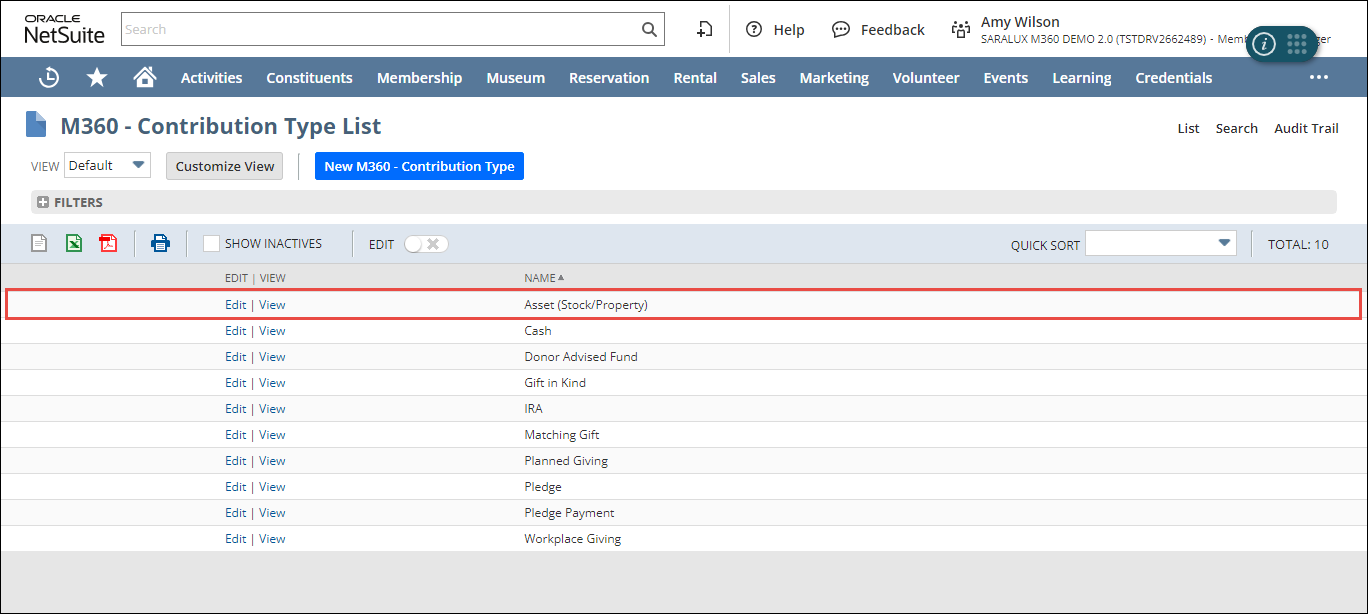
Note: You can update or view the contribution type details by clicking Edit/ View in the desired row.