Home
Home
How to Search for a Contribution?
You can search for Contributions by following the steps below.
1. Navigate to your My Portal > Dashboard > Contribution.
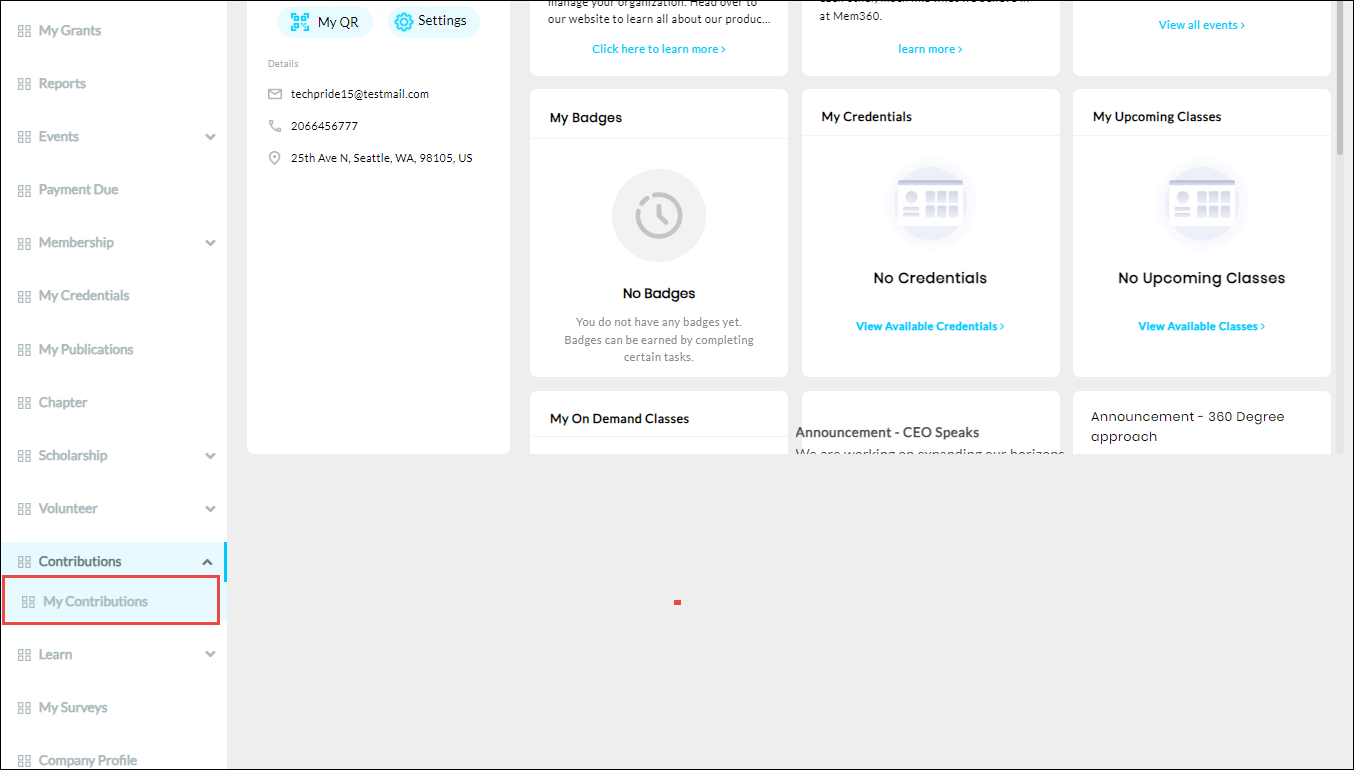
2. Click My Contribution from the Contributions dropdown list.
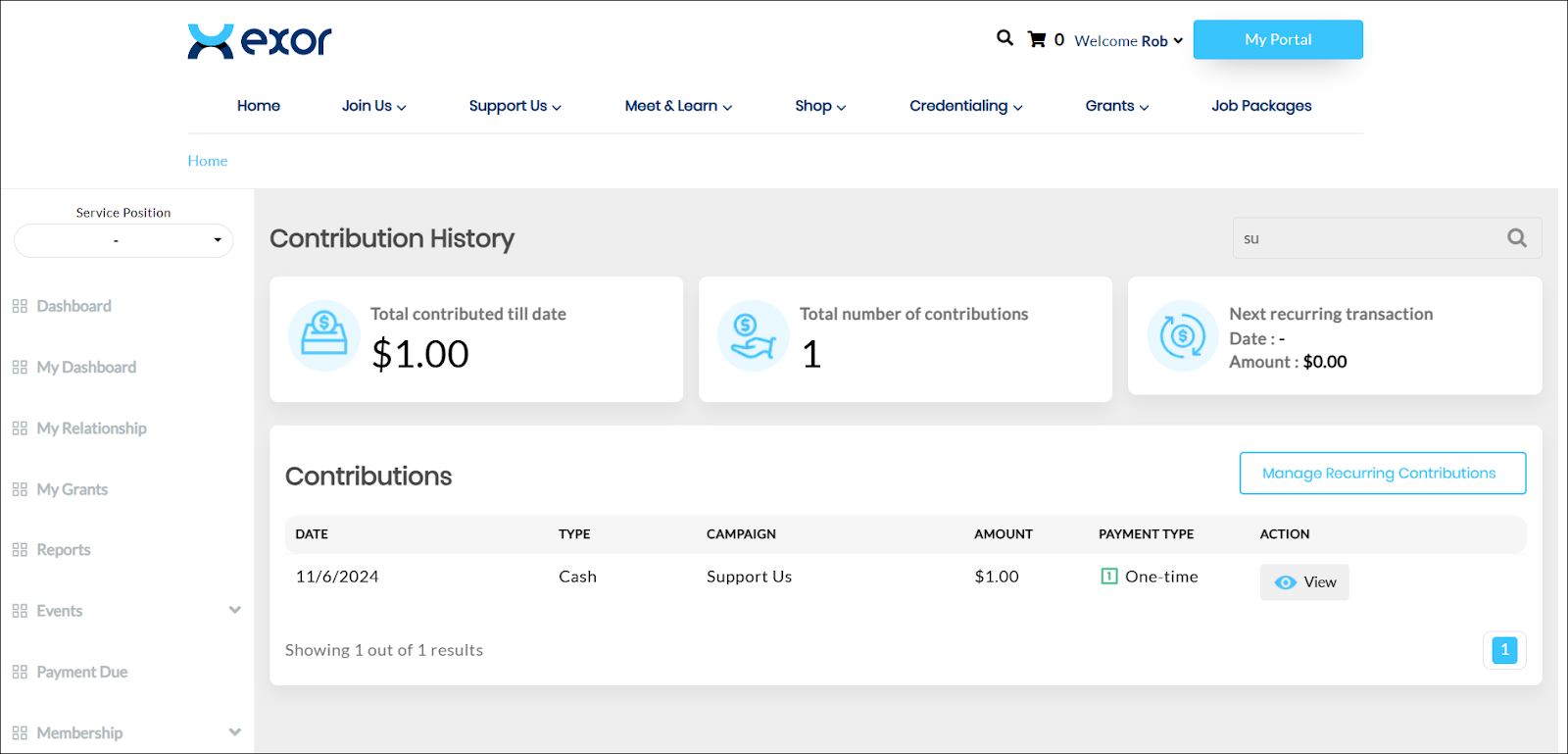
The Contribution History page is displayed.
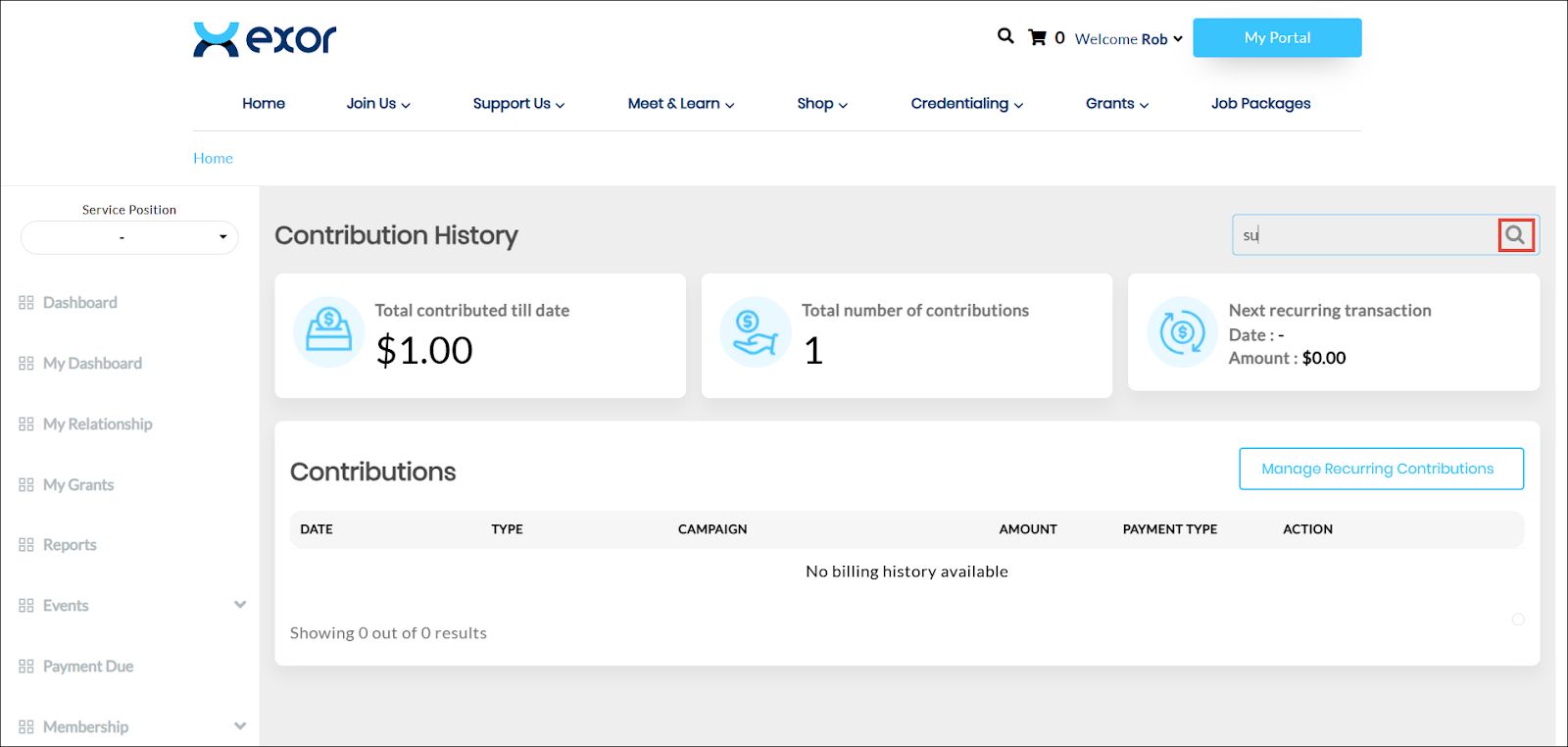
3. Enter the characters from the campaign name in the Search bar and click the  icon.
icon.
icon.The contributions matching the search criteria are displayed.