Home
Home
How to Bookmark a Job?
You can bookmark a job to save it for future reference, enabling you to easily revisit and apply for it later without searching for it again.
1. Navigate to your Home page > Join Us > Career Center and click View Open Jobs.
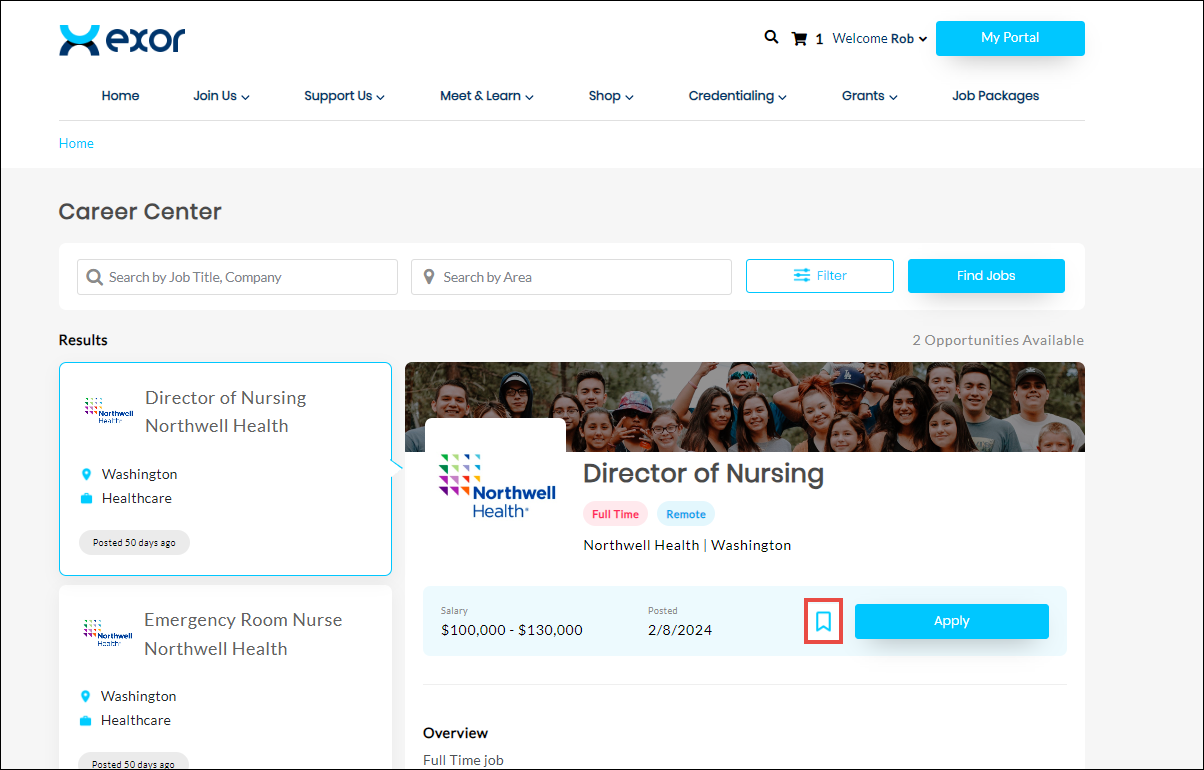
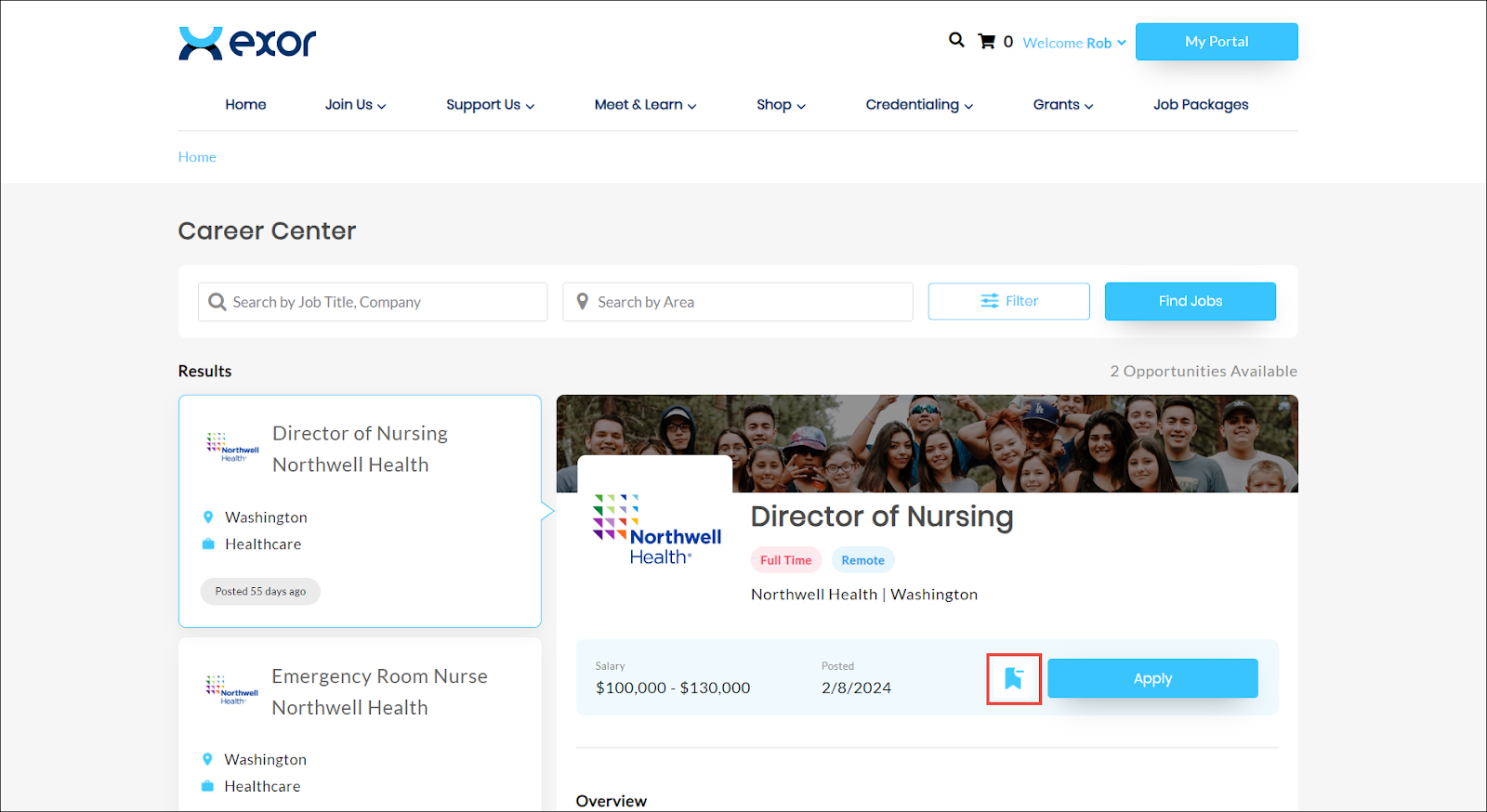
2. Navigate to the job you wish to bookmark.
3. Click the  icon.
icon.
icon.The job application is successfully bookmarked.