Home
Home
How to Add New Grant Term?
The grant term enables you to determine the period within which the allocated funds have to be utilized. You can add a new grant term if it does not exist in the M360 - Grant Term List.
1. Navigate to  > Scholarships > Setup > and click Grant Term.
> Scholarships > Setup > and click Grant Term.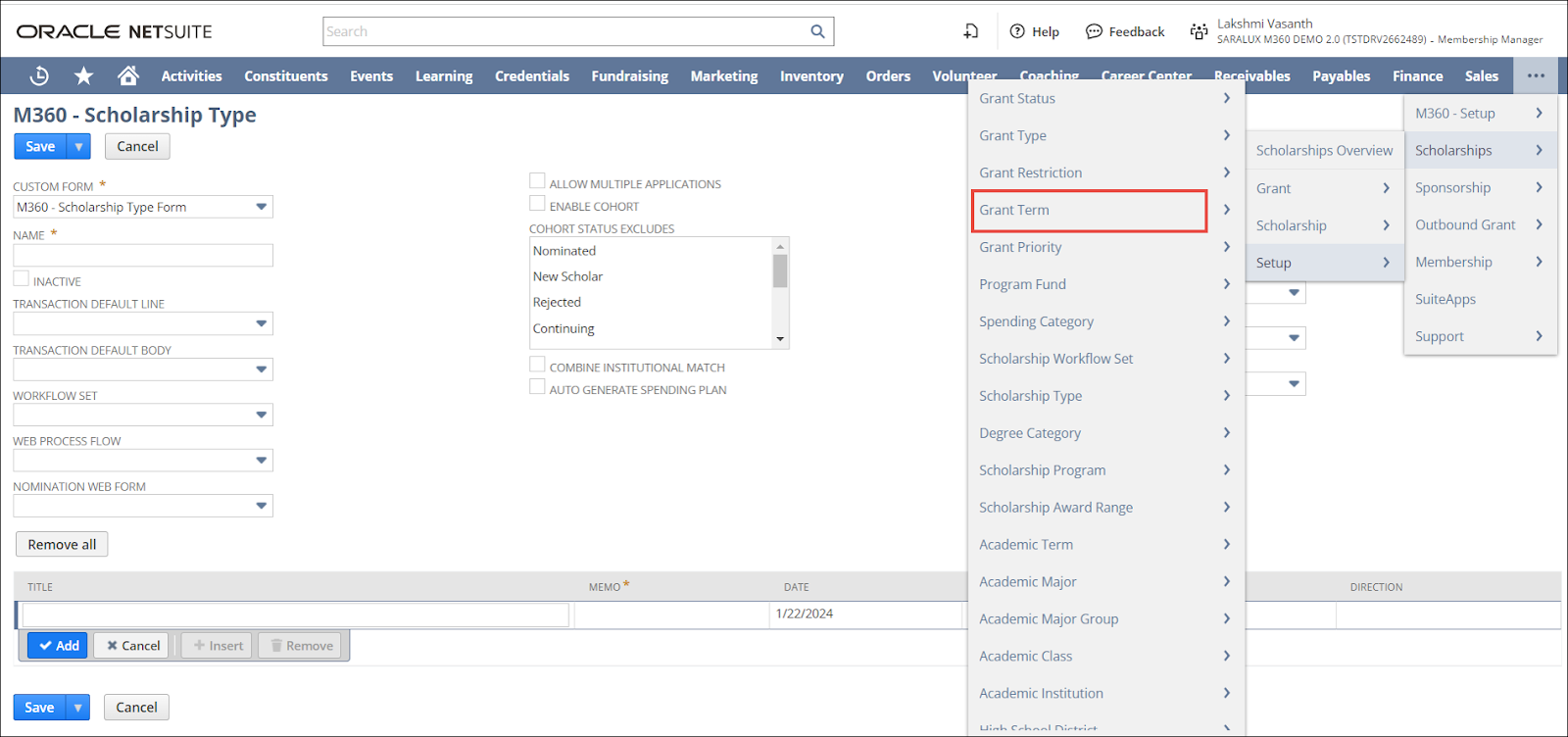
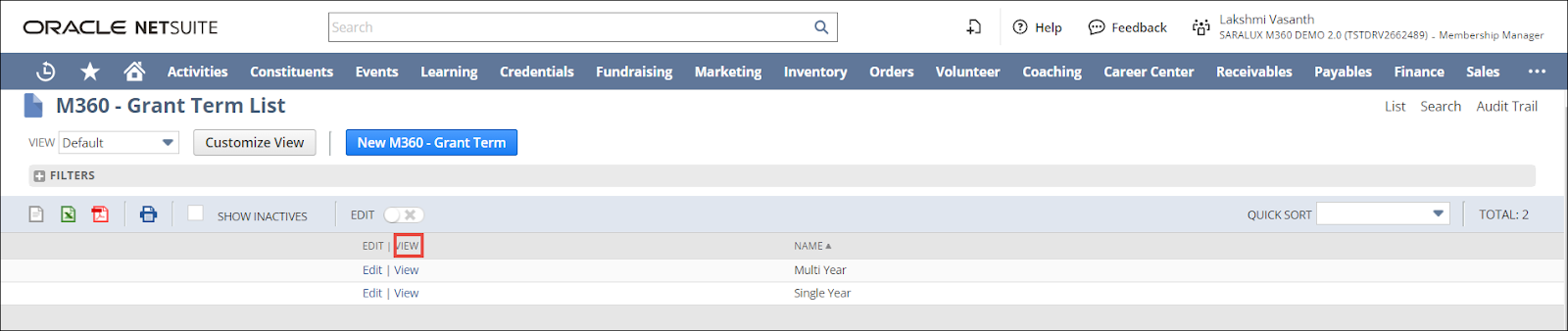
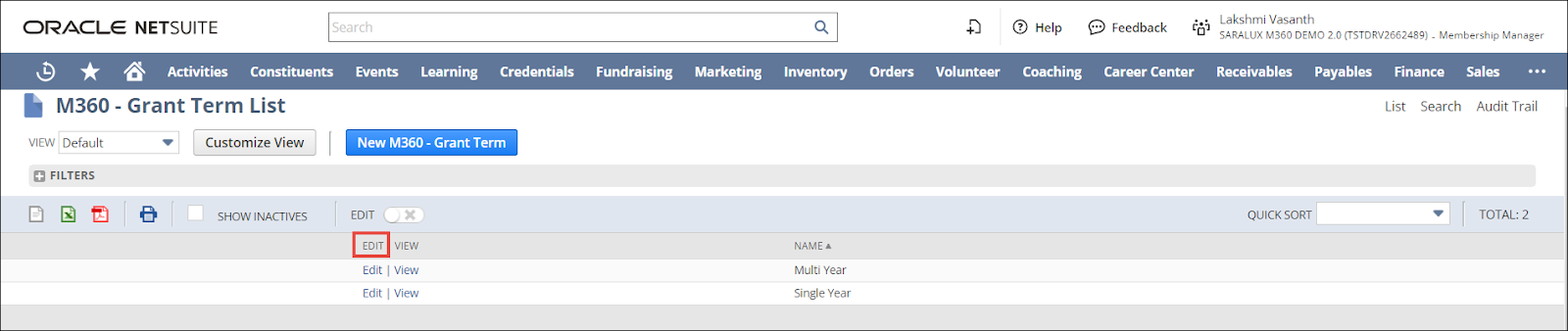
The M360 - Grant Term List page is displayed.
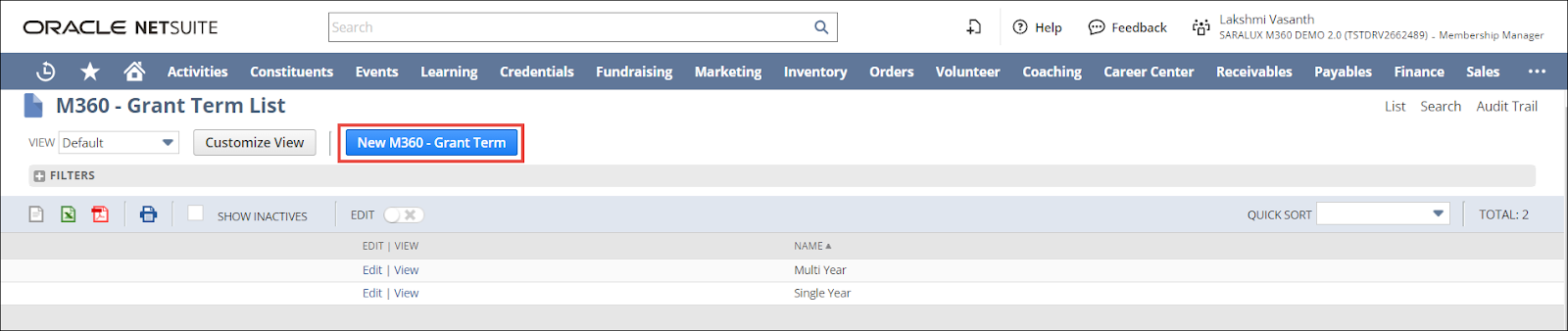

2. Click New M360 - Grant Term.
The M360 - Grant Term form is displayed.
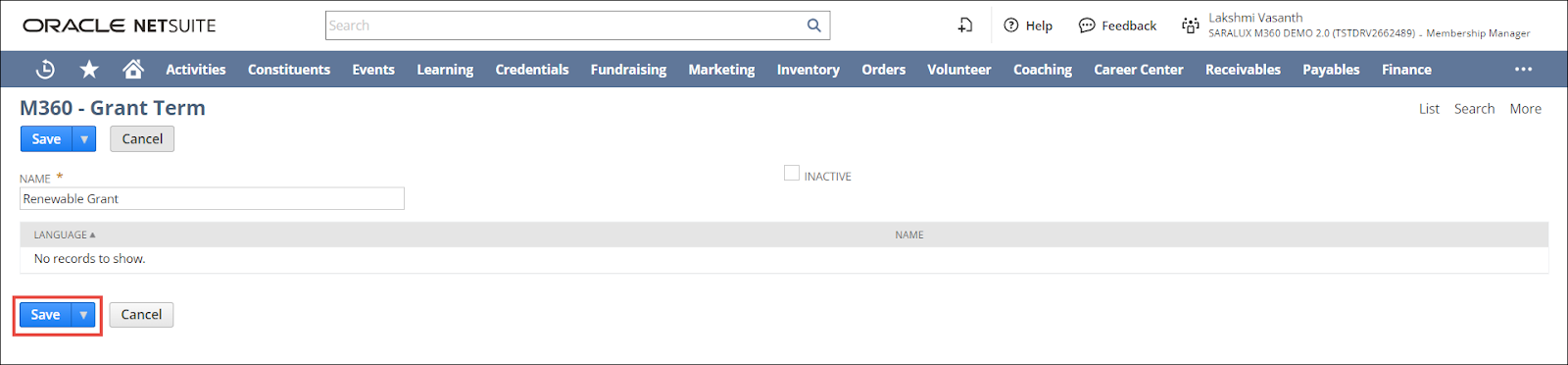
3. Enter/ enable the values in the required fields. Please refer to the table below for field names and field descriptions.
Note: All the fields with an asterisk (*) are mandatory.
|
Field
|
Description
|
|
NAME
|
Name of the grant term
|
|
INACTIVE
|
Whether to deactivate the grant term
|
4. Click Save.
The grant term is created.
Note:
-
To edit a grant type, navigate to > Scholarships > Setup > Grant Term > M360 - Grant Term List page and click Edit in the row of the term you wish to modify,
-
To view the details of a grant status, navigate to > Scholarships > Setup > Grant Status > M360 - Grant Term List page and click View in the row of the grant term you wish to view in detail.