
 Home
Home
How to Setup New Course Audience?
You can configure a new course audience by following the steps below.
1. Navigate to Learning > Setup > and click Course Audience.
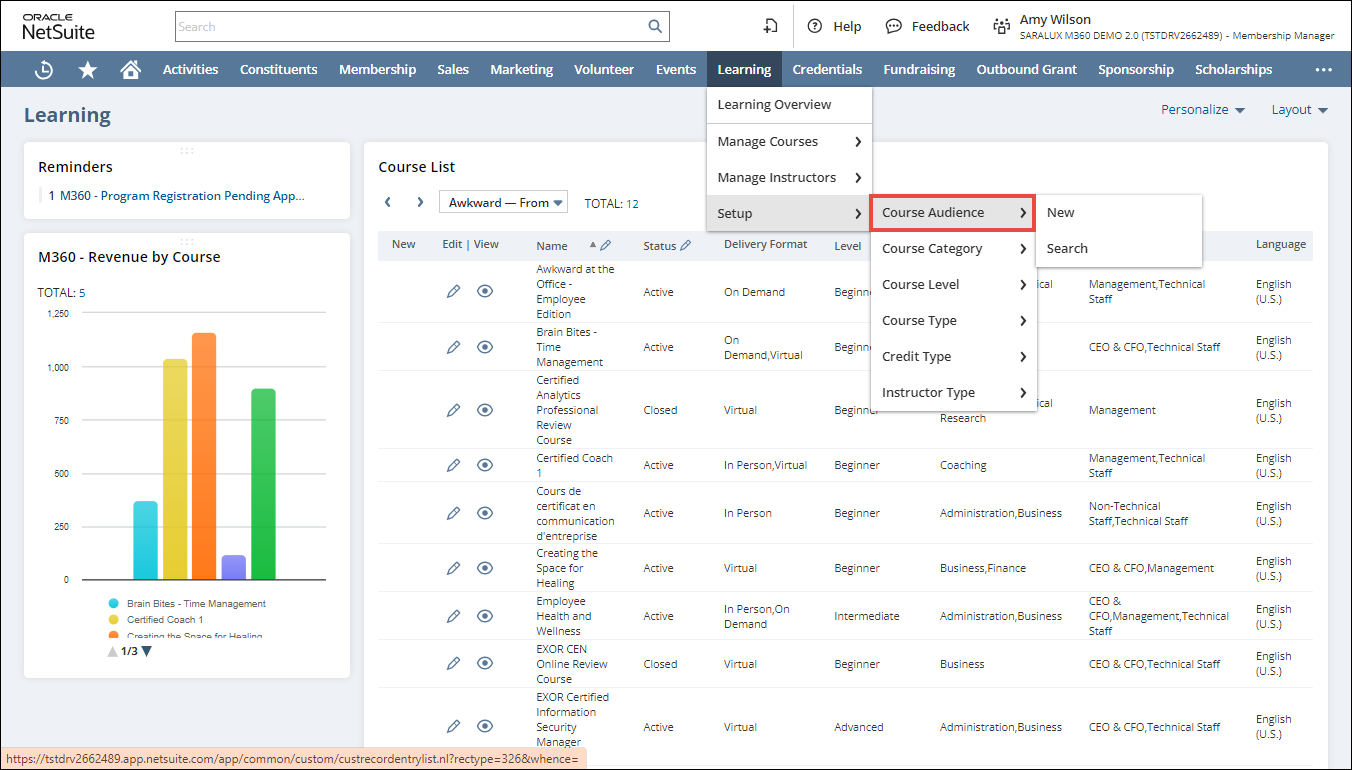
The M360 - Course Audience List page is displayed.
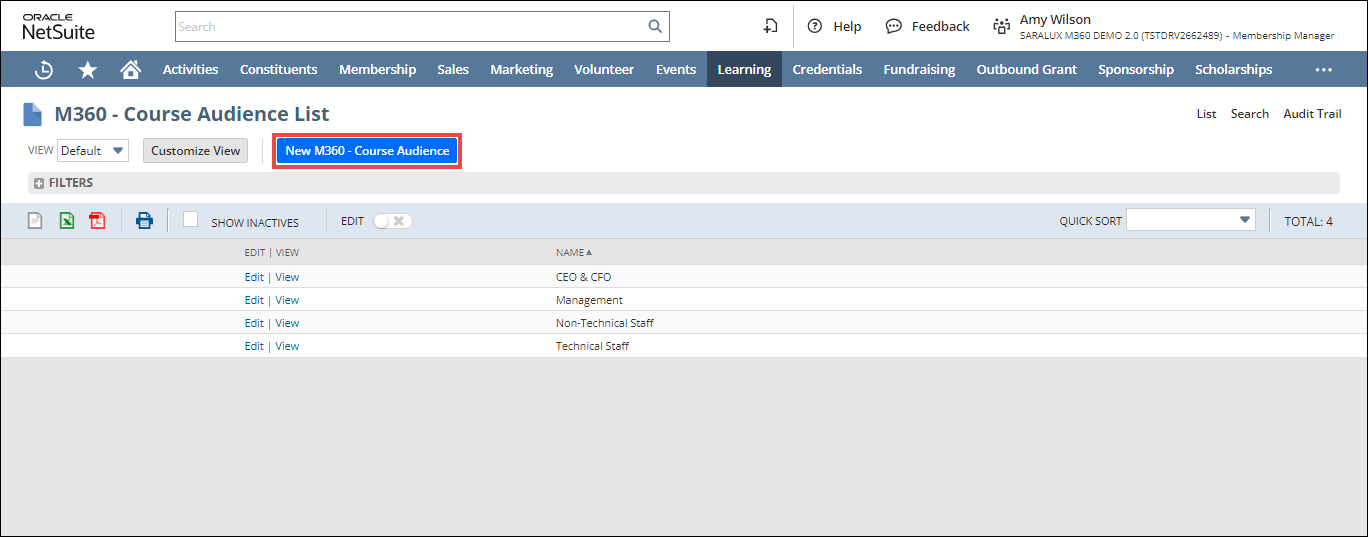
2. Click New M360 - Course Audience.
The M360 - Course Audience page is displayed.
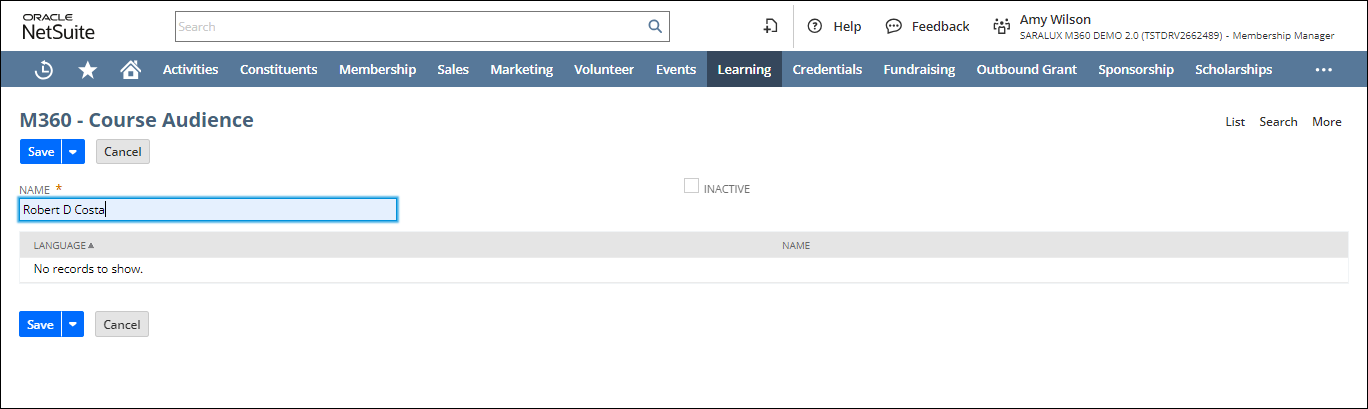
3. Enter/select the required values in the fields. Refer to the table below for field names and descriptions.
Note: All the fields with an asterisk (*) are mandatory.
|
Fields
|
Descriptions
|
|
NAME
|
Name of the audience
|
|
INACTIVE
|
Whether or not to inactivate this course audience
|
4. Click Save.
The course audience is successfully added.