
 Home
Home
How to Create a Fundraiser?
To create a fundraiser, follow the below steps.
1. On the Fundraiser List page, click New M360 - Fundraiser.
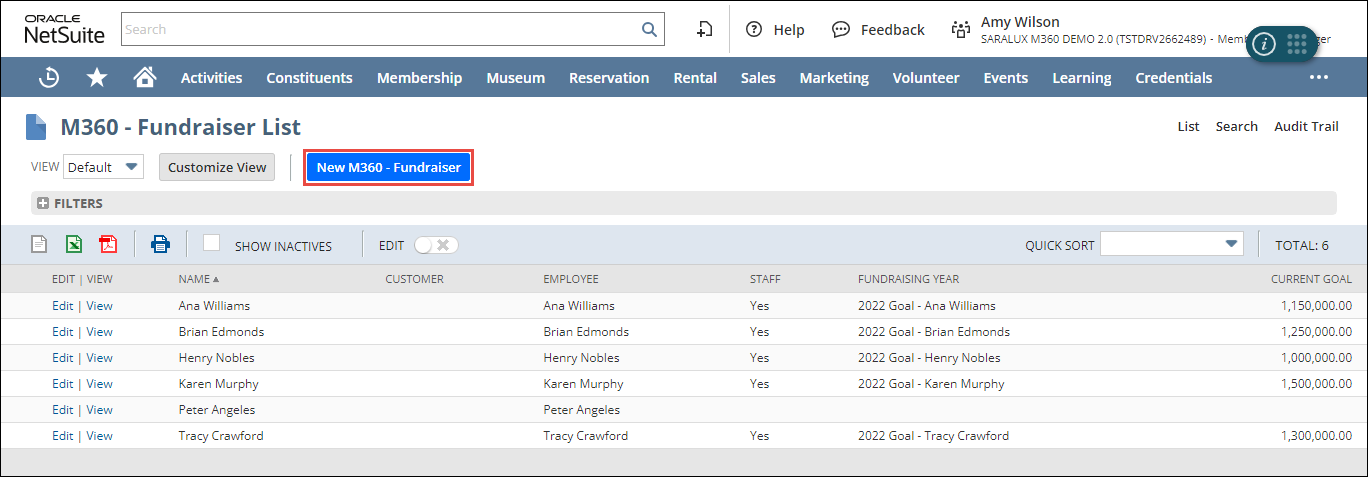
The M360 - Fundraiser form is displayed.
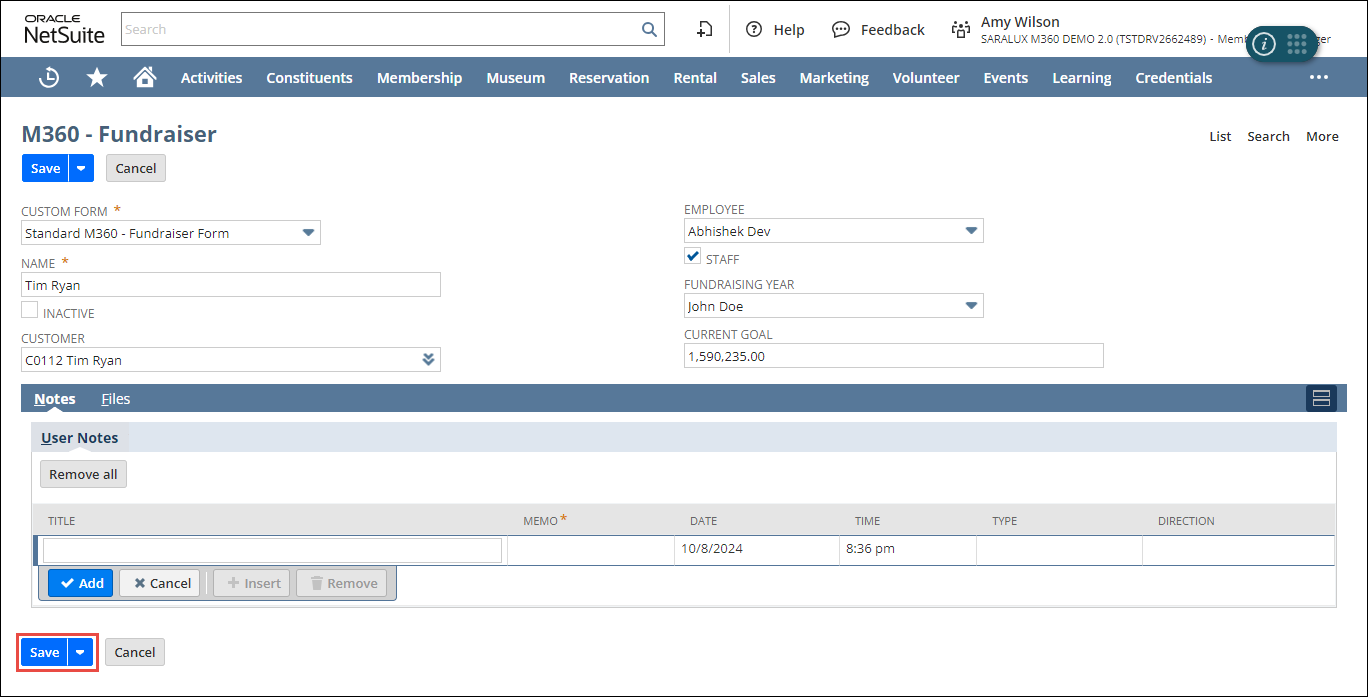
2. Enter or select the values of the fields as required.
Please refer to the following table for field names and their descriptions.
|
Field
|
Description
|
|
NAME
|
Name of the fundraiser
|
|
INACTIVE
|
Whether to deactivate this fundraiser
|
|
CUSTOMER
|
Individual or entity associated with this contribution
|
|
EMPLOYEE
|
Employee participating in the fundraising campaign
|
|
STAFF
|
Whether the fundraiser is an employee of the organization
|
|
FUNDRAISING YEAR
|
Year for which the fundraising campaign is conducted
|
|
CURRENT GOAL
|
Target amount of money the fundraising campaign aims to raise
|
3. Click Save.
The fundraiser is added to the list.
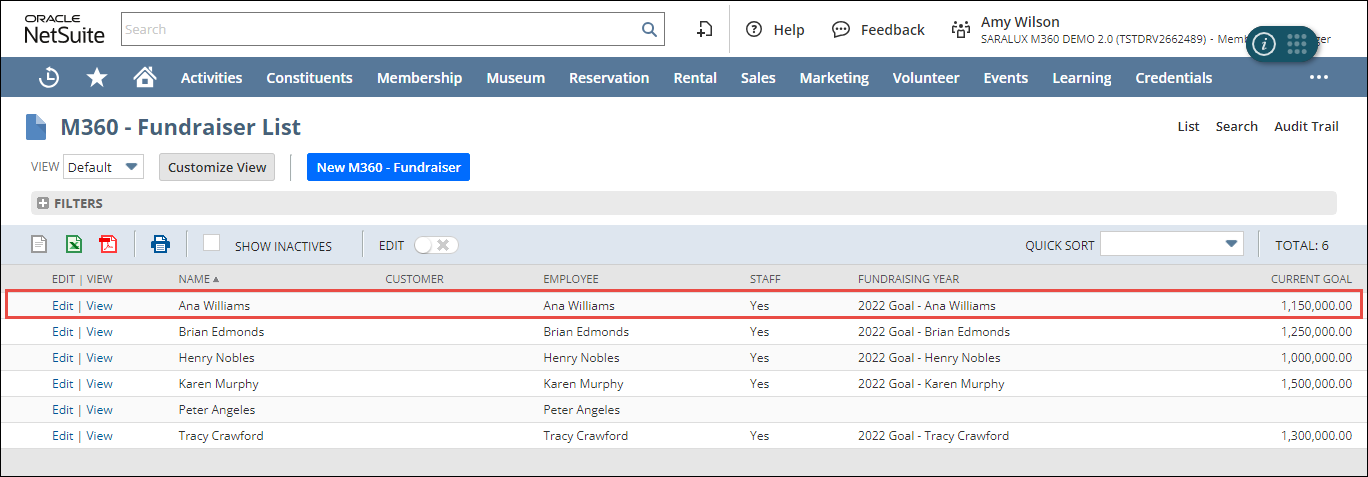
Note: You can update or view the fundraiser details by clicking Edit/View in the desired row.